AI Image to Image Generator
Make quick AI Image Edits. Upload 1 or 2 images, describe your changes, and download the result for free.
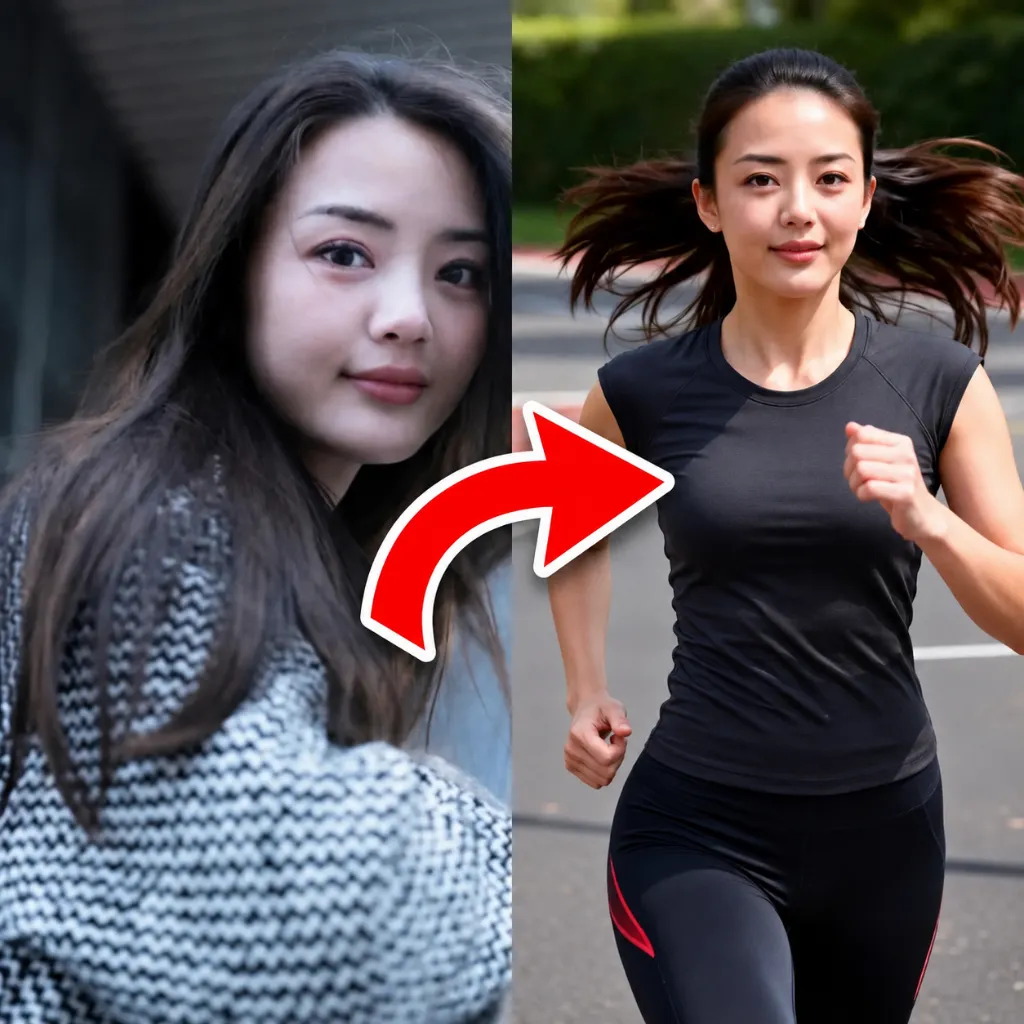
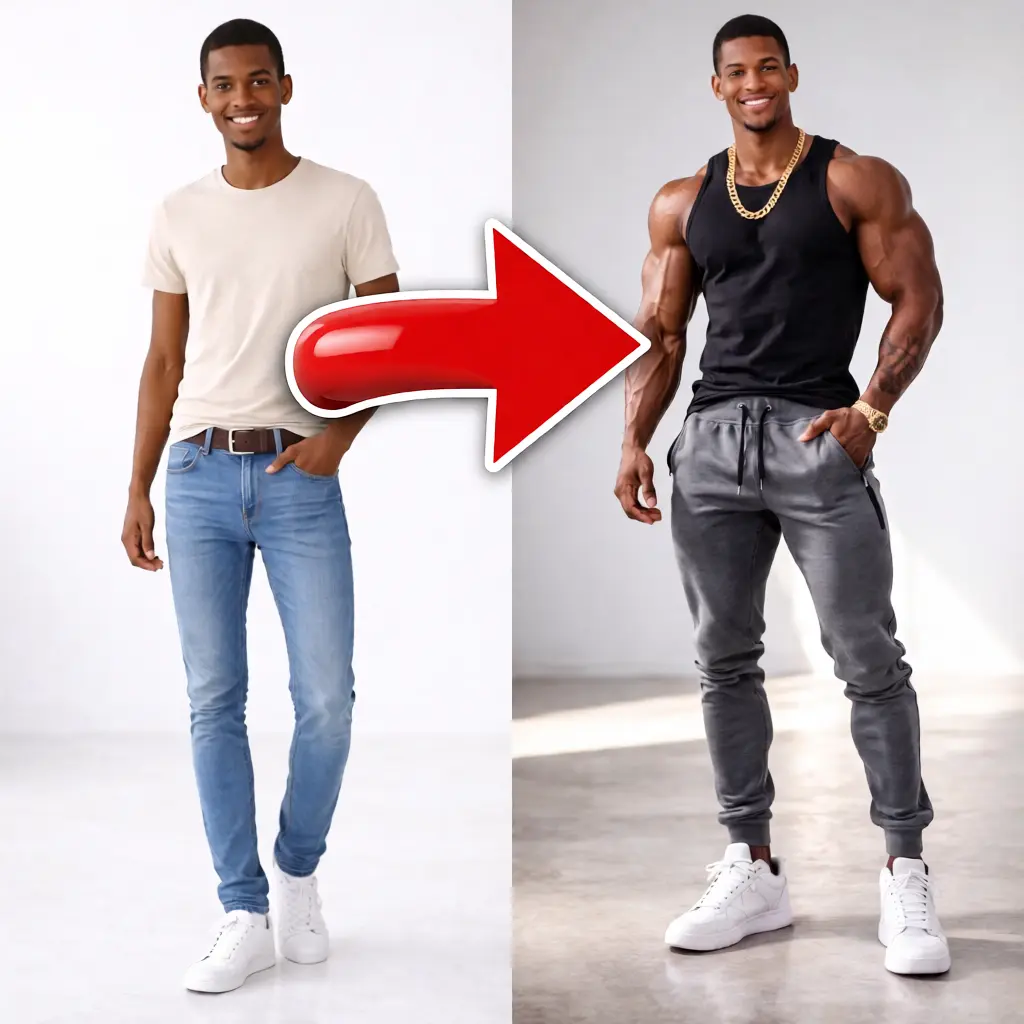
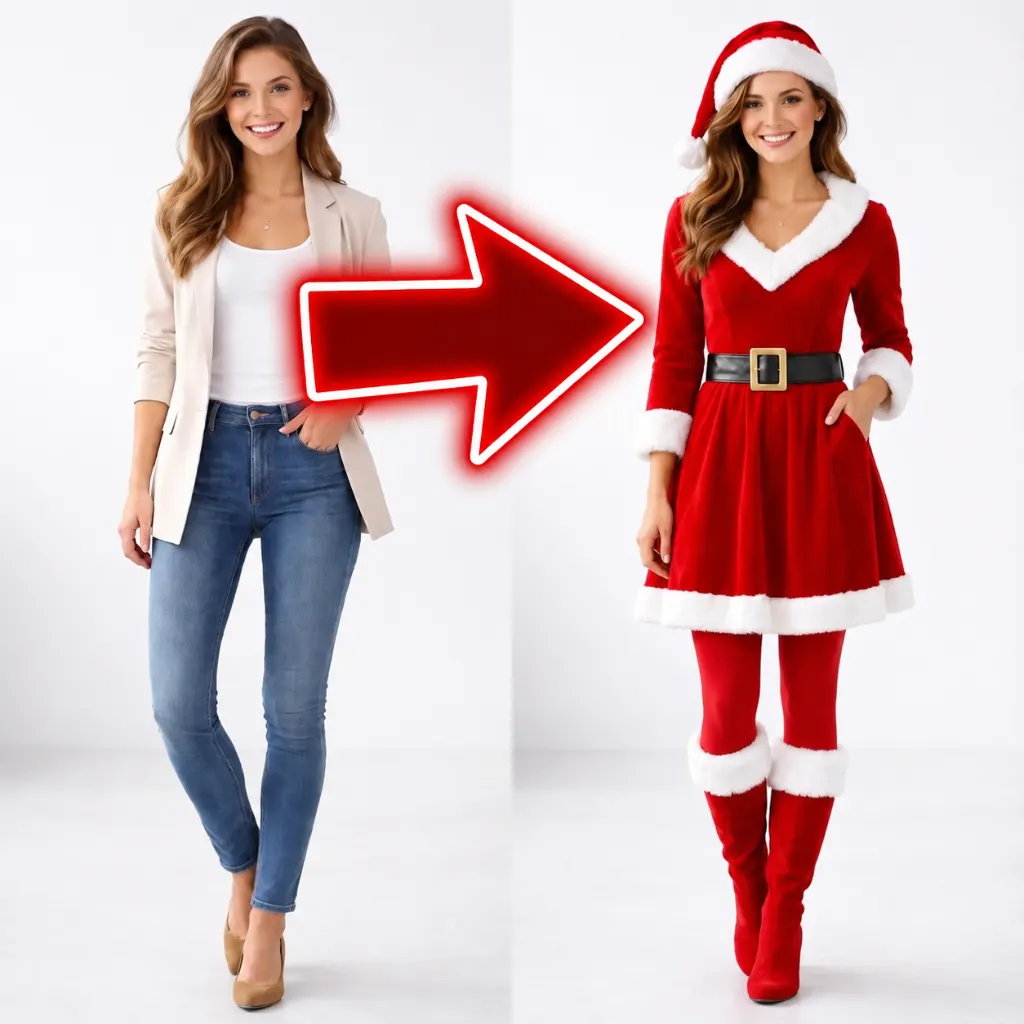
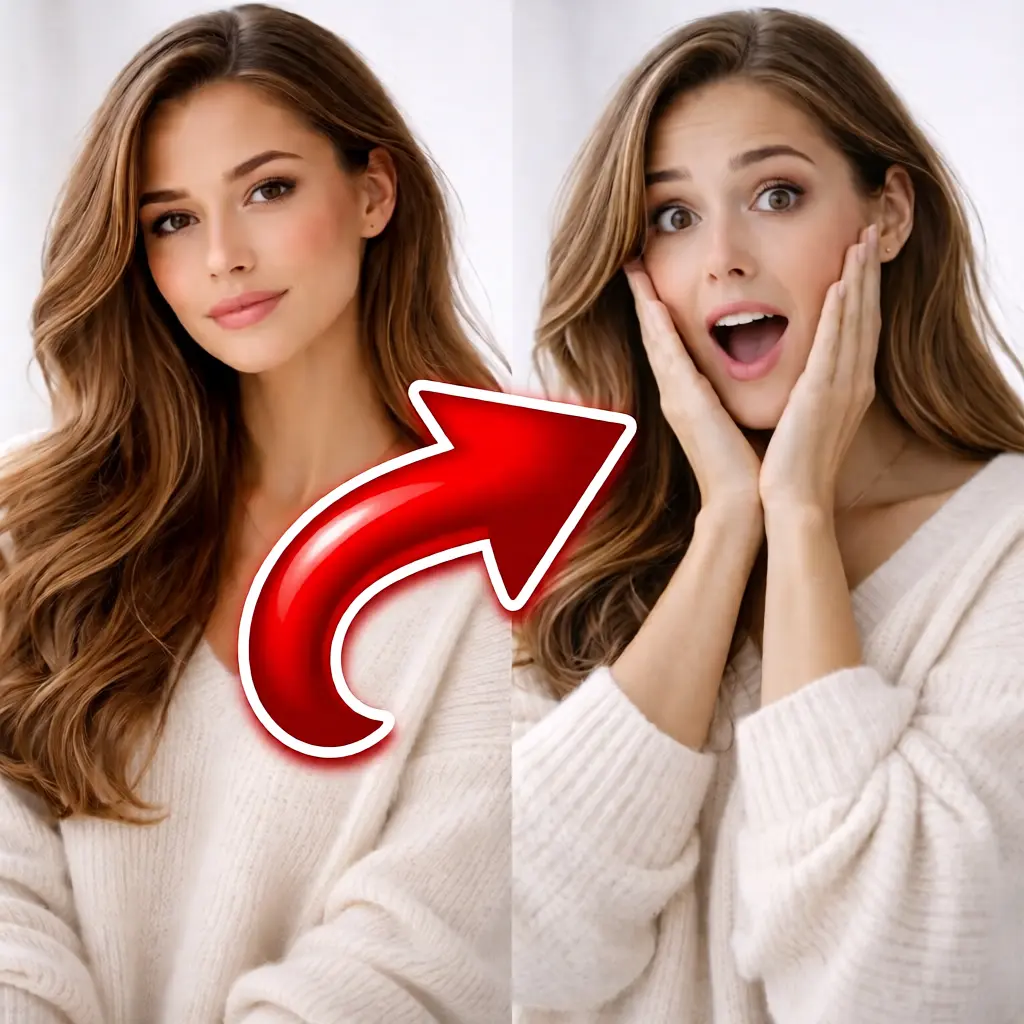
What Our Users Say
"Number one"
"love it"
"very gopod"
"Very nice🔥"
"Lovely"
"Incredible"
AI Image-to-Image Generator: Edit Photos Easily With a Prompt
This AI Image to Image Generator is an AI Photo Editor that transforms an existing photo based on your text prompt. Upload one image for AI image edit tasks (from subtle retouching to full style changes), or upload two images to merge subjects into a brand-new result. Sign in for free (Google or email) to receive free credits and try the tool.
Image to image editing (1 photo)
Upload one photo and describe what you want to change: remove objects, improve lighting, change colors, add elements, or transform the style. This is classic image to image generation.
Merge two images (2 photos + prompt)
Upload two images and explain the scene you want. Example: photo 1 (a woman) + photo 2 (an apple) + prompt: "woman eats the apple". The AI merges the inputs into one coherent output.
How to use the AI Image to Image Generator
- Sign in for free to claim free credits (Google or email).
- Upload 1 image to edit, or upload 2 images to combine subjects.
- Write a prompt describing the change (what to add/remove, style, mood, colors, etc.).
- Click Generate, then download your result. Iterate by refining the prompt.
Popular AI image edit use cases
AI photo editor for product photos
Replace backgrounds, improve lighting, and create clean catalog-ready images using image edit AI prompts.
Creative transformations
Turn photos into new styles (anime, illustration, film stills), change outfits, add props, or transform scenes.
Photo fixes & enhancements
Remove distracting objects, improve colors, make the sky more dramatic, or create subtle edits without manual tools.
Image to image converter for concepts
Generate variations from a base image for storyboards, design ideas, and quick creative exploration.
FAQ
What is an AI Image to Image Generator?
Can I edit a photo with one image and a prompt?
Can I merge two images into one result?
Is this AI image editor free?
What file formats work best?
How long does it take?
Do I need permission to edit a photo?
Responsible use & consent
AI image editing can be fun and useful, but it can also be misused. Please only upload images you own or have permission to edit, and avoid using someone else’s likeness without consent. Follow your local laws and our Terms.
- Don't impersonate real people for fraud, harassment, or deception.
- Don't upload private, sensitive, or copyrighted material without authorization.
- When in doubt, get permission before editing and sharing images.
 Continue with Google